
You've built a website, maybe even paid good money for it. But when you search for your business or the services you offer on Google, your site is nowhere to be found. If your website is not ranking on Google, you're not alone — and the fix might be simpler than you think.
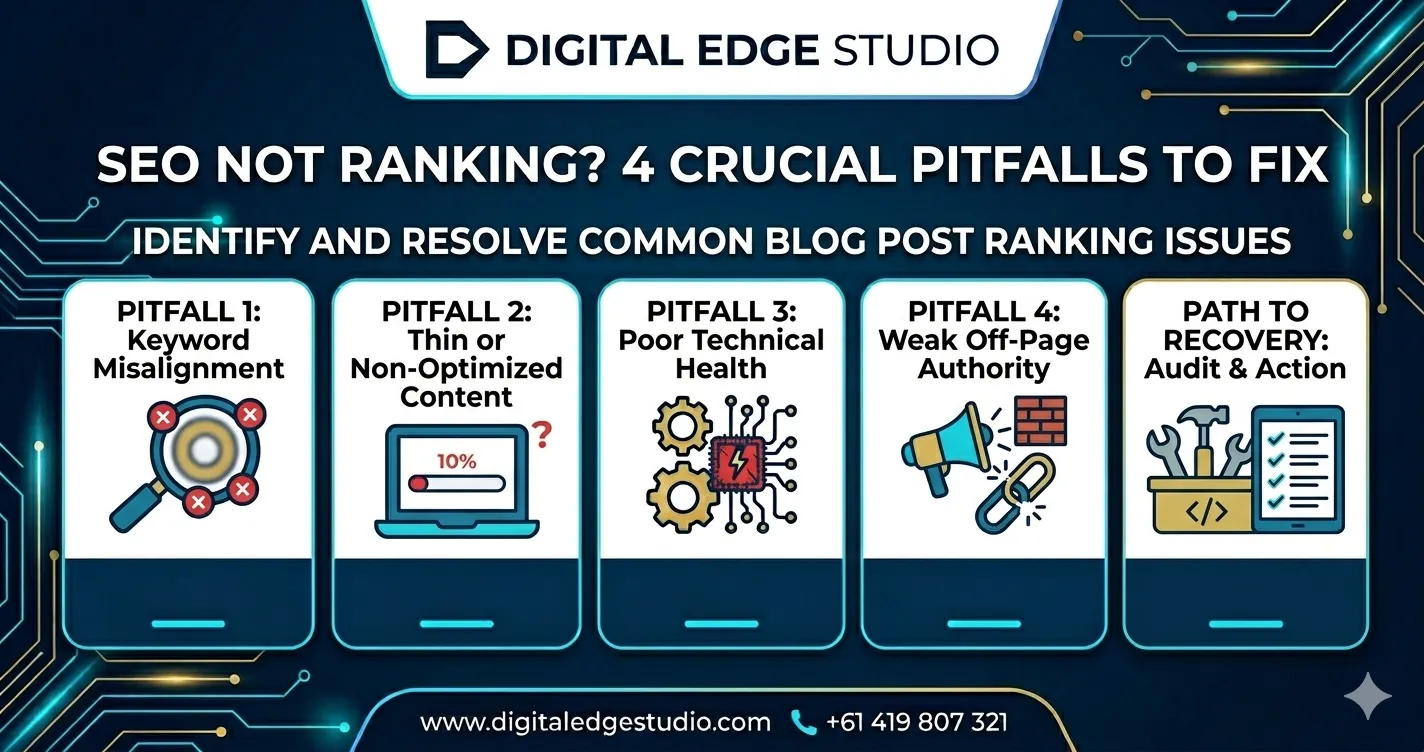
Most websites that fail to rank have identifiable, fixable problems. The challenge is knowing where to look. Google considers hundreds of factors when deciding which pages to show in search results, but the majority of ranking failures can be traced back to a handful of common issues.
This guide walks you through the 11 most common reasons why your website isn't ranking on Google, with actionable fixes for each one. Whether you're a tradie in Wollongong, a retailer in Sydney, or a service business anywhere in Australia, these diagnostics apply to you.
Want to see how your site ranks? Get a free website review and find out where you stand.
Get My Free ReviewYour Site Isn't Indexed Properly
Before Google can rank your website, it needs to know your website exists. Google discovers websites through a process called crawling and indexing. If your site isn't indexed, it literally cannot appear in search results — no matter how good your content is.
How to check if you're indexed. Go to Google and type site:yourdomain.com.au (replace with your actual domain). If you see your pages listed, you're indexed. If you see nothing, Google either hasn't found your site yet or something is blocking it.
Common indexing issues include robots.txt blocking Google from crawling your site — this happens more often than you'd think, especially after migrations or developer testing. A "noindex" meta tag on your pages tells Google explicitly not to index them. This is sometimes left in accidentally after a staging or development phase. No XML sitemap submitted to Google Search Console means Google has to discover your pages on its own, which can take weeks or months. And brand new domains simply take time — Google may take 1 to 4 weeks to discover and index a new website.
Fixes: Submit your sitemap to Google Search Console (search.google.com/search-console). Check your robots.txt file (yourdomain.com/robots.txt) to ensure it's not blocking important pages. Inspect individual pages using the URL Inspection tool in Search Console. Request indexing for important pages that aren't appearing.
Poor On-Page SEO
On-page SEO issues are the most common reason websites fail to rank. These are the elements on your actual pages that tell Google what each page is about.
Missing or poorly written title tags are the biggest culprit. Your title tag is the most important on-page ranking factor. If your homepage title tag says "Home" or "Welcome to Our Website," Google has no idea what your business is or what to rank you for. Each page needs a unique, keyword-rich title tag.
Generic or duplicate meta descriptions don't directly affect rankings but impact click-through rates. If your meta descriptions are empty, duplicated across pages, or just copied from your content, you're missing an opportunity to attract clicks.
No heading structure means Google can't understand the hierarchy of your content. Your pages need a clear H1 (main heading) and H2/H3 subheadings that include relevant keywords. A page with no headings or headings used purely for styling is harder for Google to understand.
Keyword targeting issues occur when pages aren't optimised for the terms people actually search for. You might have a great "Services" page, but if it never mentions "plumber Wollongong" or "web design Sydney," Google won't associate it with those searches. Learning how to improve your SEO starts with proper keyword research.
Thin or Duplicate Content
Google wants to show users the most helpful, comprehensive content available. If your pages are thin (very little content) or duplicate (the same content appears on multiple pages), Google has little reason to rank them.
Thin content is one of the most common issues we see on small business websites. Service pages with just a few bullet points, location pages that only change the suburb name, and product pages with manufacturer descriptions copied from other sites all qualify as thin content. Google's algorithm specifically targets thin content as low quality.
The fix: Each important page on your site should have at least 300 to 500 words of unique, valuable content. Service pages should thoroughly explain what you offer, who it's for, what the process looks like, and why customers should choose you. Location pages should include genuinely unique content about serving that area.
Duplicate content — whether internal (the same content on multiple pages of your site) or external (content copied from other websites) — confuses Google about which page to rank. Use canonical tags to indicate your preferred version, and invest in original content rather than copying from competitors or suppliers.
Slow Page Speed and Poor Core Web Vitals
Google has confirmed that page speed is a ranking factor, and slow websites lose visitors before they even see your content. Google's own data shows that 53% of mobile visitors abandon a site that takes longer than 3 seconds to load.
Core Web Vitals are Google's specific metrics for user experience. Largest Contentful Paint (LCP) measures loading speed — your main content should load within 2.5 seconds. First Input Delay (FID) measures interactivity — your site should respond to user interactions within 100 milliseconds. Cumulative Layout Shift (CLS) measures visual stability — elements shouldn't jump around as the page loads.
Common speed killers include unoptimised images (the number one offender for Australian small business sites), cheap shared hosting that can't handle traffic spikes, too many plugins or scripts loading on every page, no browser caching or CDN configured, and render-blocking CSS and JavaScript.
Fixes: Test your speed at PageSpeed Insights (pagespeed.web.dev). Compress and properly size images — a 5MB hero image should be 100 to 200KB. Upgrade to quality hosting (SiteGround, Kinsta, or Cloudways are popular in Australia). Enable caching and consider a CDN like Cloudflare. Minimise unnecessary plugins and scripts. If your site is beyond optimisation, consider a website redesign built for performance from the ground up.
Not Mobile-Friendly
Google uses mobile-first indexing, which means it primarily uses the mobile version of your site to determine rankings. If your site looks great on desktop but is broken, slow, or unusable on mobile, your rankings will suffer regardless of how good your desktop experience is.
Signs your site isn't mobile-friendly: text is too small to read without pinching and zooming. Buttons and links are too close together to tap accurately. Content extends beyond the screen width, requiring horizontal scrolling. Pop-ups cover the content on mobile screens. Images don't resize properly, causing slow load times on mobile data connections.
Test your site using Google's Mobile-Friendly Test or simply pull up your website on your phone and try to complete common tasks — find your phone number, submit a contact form, read a blog post. If any of these are frustrating, your mobile experience needs work.
In Australia, over 60% of web traffic comes from mobile devices. For local service searches ("plumber near me," "café open now"), the mobile percentage is even higher. A non-mobile-friendly site isn't just losing rankings — it's actively turning away customers who have already found you.
For more local strategies, our local SEO strategies guide covers how mobile optimisation specifically impacts local rankings.
When to Bring In Professional Help
You've read through the common issues, and maybe you've identified several that apply to your site. The question is: should you fix them yourself or bring in a professional?
DIY is a viable option if your issues are relatively simple. Submitting a sitemap to Search Console, compressing images, improving title tags, and adding content to thin pages are all tasks a motivated business owner can handle with some research and patience.
Bring in a professional if you're dealing with multiple overlapping issues. When technical problems, content gaps, and authority issues all compound each other, a systematic approach from an experienced team will deliver faster, more reliable results than piecemeal DIY fixes.
Consider professional SEO services if your site has been stagnant for 6+ months despite your efforts, you're in a competitive industry where your competitors have clearly invested in SEO, you're dealing with a Google penalty or sudden ranking drop, your website needs structural or technical changes beyond your comfort level, or the opportunity cost of your time exceeds the cost of hiring help.
Get a Free SEO Health Check
Not sure which of these 11 issues are holding your site back? We'll run a free SEO audit and show you exactly what's wrong, what to fix first, and what results to expect — no obligations, no jargon. Most business owners we speak to have 3 to 5 of these issues without realising it. Book a free 15-minute discovery call and we'll walk you through your site's ranking roadblocks live.